
Pricing plans
Check your current plan and trial status, and compare or switch to a different plan.
The Pricing plans page shows which plan your store is currently on, whether you’re in a trial, and lets you compare plans and select a different one.
Open Pricing plans
Section titled “Open Pricing plans”Click Pricing plans in the app’s main menu, alongside Locks, Request access, and Contact us.
Check your current plan
Section titled “Check your current plan”The plan your store is on is marked Current plan on its card, so you can tell at a glance where you stand. If your store is still in its free trial, the page also reflects that, so you know whether — and for how long — you have access to paid features before billing starts.
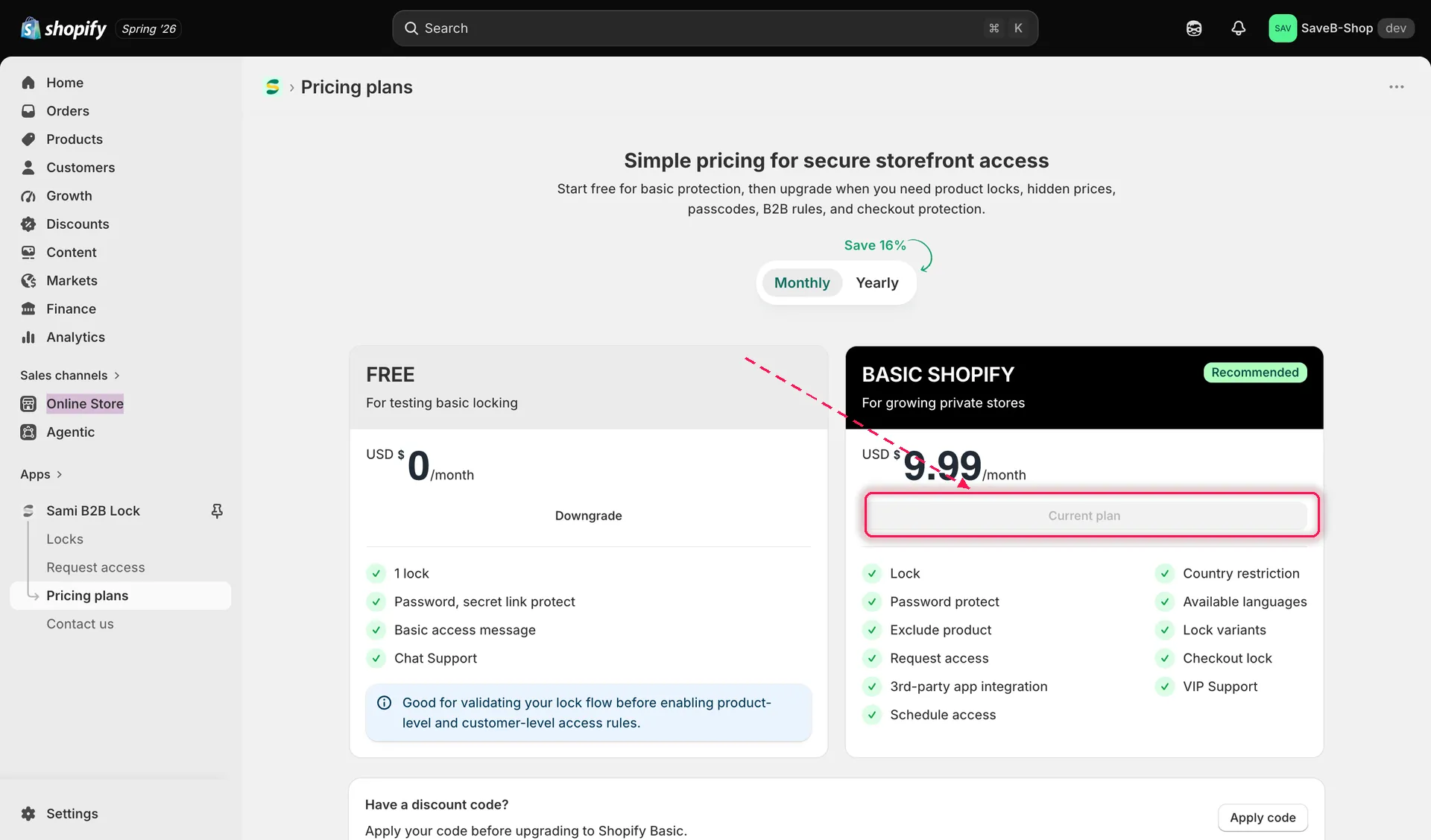
The plan you’re on is marked Current plan.
Monthly or yearly billing
Section titled “Monthly or yearly billing”A Monthly / Yearly switch sits above the plan cards. Switching to yearly shows the discounted yearly pricing — the page labels how much you save.
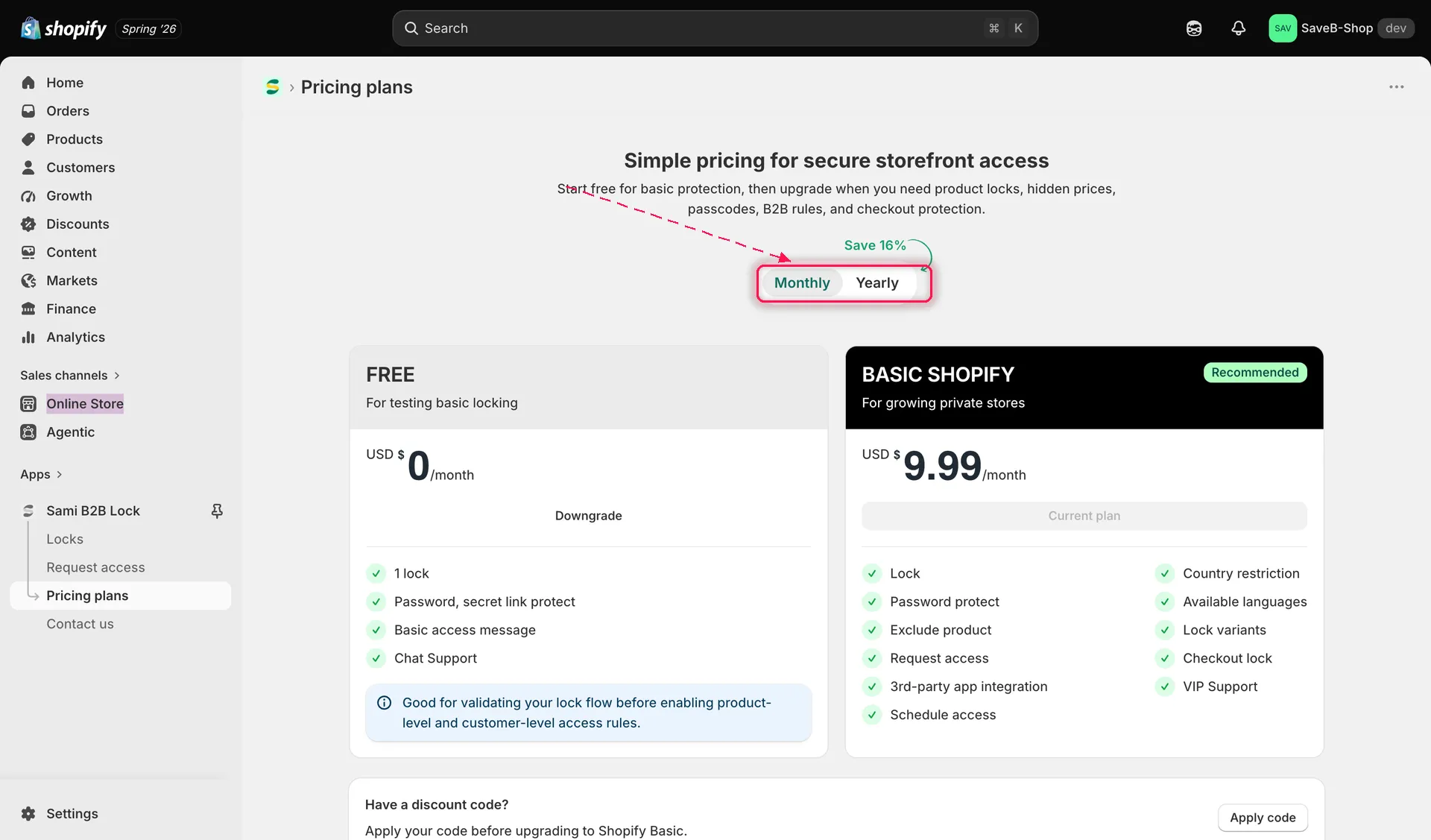
Switch between monthly and yearly billing to compare pricing.
Compare plans
Section titled “Compare plans”The plan cards sit side by side with a checklist of what each one includes, so you can compare before choosing.
Apply a discount code
Section titled “Apply a discount code”If you have a discount code, enter it in the Have a discount code? field near the bottom of the page and click Apply code before upgrading, so the discount is reflected in what you’re charged.
Select or change a plan
Section titled “Select or change a plan”- Review the plans and decide which one fits your store.
- Click the action on the plan you want — for example the button on a paid plan to upgrade, or Downgrade on the free plan to move back down.
- Shopify shows its own approval screen for the subscription charge. Review it there and confirm to complete the change; nothing is charged until you approve it in Shopify.
Related docs
Section titled “Related docs”- Access rules overview — see the full catalogue of rules, some of which require a paid plan.
- Locks overview — the content types you can lock, some of which require a paid plan.
- Contact support — reach out if you have questions about which plan is right for your store.