
Delete products and variants
Permanently delete matching products, or delete variants that have a specific option value.
Delete product
Section titled “Delete product”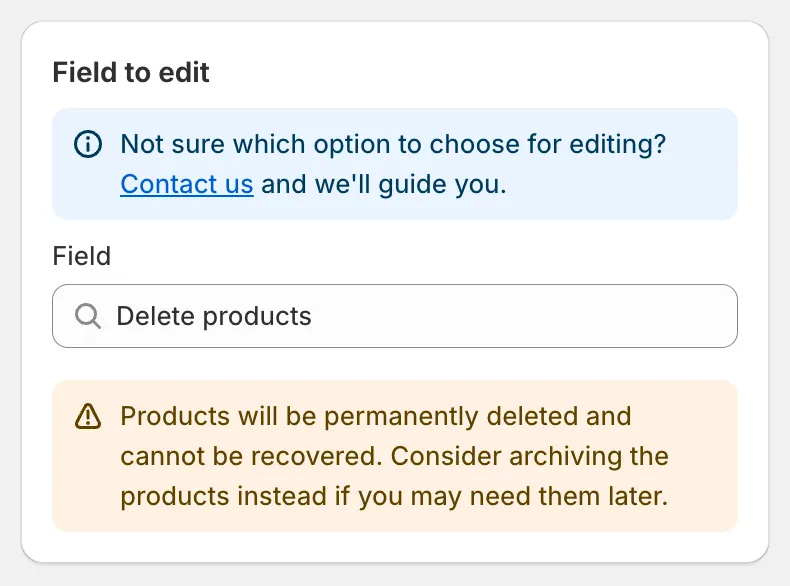
Delete products
There are no edit options. Choose the products with Apply to products, check the preview, and save. Because the change is destructive:
- The confirmation dialog is titled Confirm product deletion and the button reads Delete products.
- Recurring start and Schedule the revert are not offered.
- The task details page shows Products deleted instead of Products changed, and each row shows Permanently deleted.
Delete variants by option value
Section titled “Delete variants by option value”Deletes every variant whose option value matches exactly.
| Input | Notes |
|---|---|
| Option position | Option 1, Option 2 or Option 3. |
| Option values to delete | One value per line or comma-separated, for example XS, S. Matching is exact and case-sensitive. |
Shopify requires every product to keep at least one variant. If all variants of a product match, that product is skipped entirely and none of its variants are deleted. The preview marks such products with Product skipped — all variants match.
Remove product options
Section titled “Remove product options”Removing an option position can also delete duplicate variants permanently. See Product options and variants.