
Sami Bulk Price Editor
Welcome to Sami Bulk Price Editor
Bulk edit prices, titles, tags, inventory settings and more across your Shopify products, with preview, scheduling and one-click revert.
Sami Bulk Price Editor (shown as Bulk Price Editor Sami in your Shopify admin) is a Shopify app by Samita. It lets you change one product field across many products at once, preview the result before anything is written to Shopify, schedule the change, and revert it later.
Every change you make is a task. A task describes what to change, which products to change, and when to run.
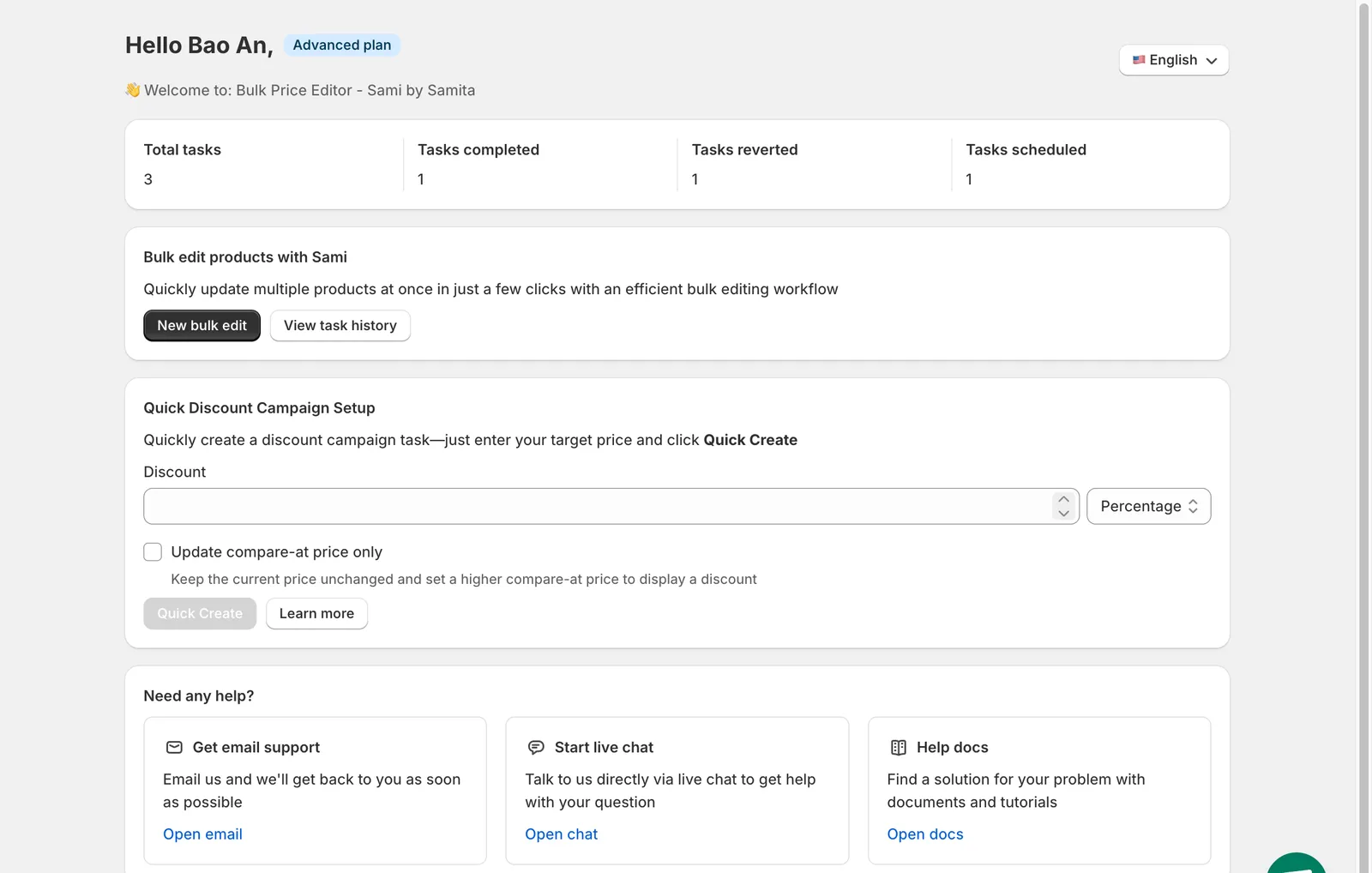
The app dashboard
What you can do
Section titled “What you can do”- Edit one field in bulk. Prices, compare-at prices, cost, titles, descriptions, tags, status, collections, sales channels, SKUs, barcodes, weight, inventory settings, tax settings, customs data, product options, Google Shopping fields and custom metafields. See Choose a field to edit.
- Target exactly the right products. All products, one or more collections, hand-picked products, or products that match conditions such as tag, vendor, type or creation date. Narrow further to specific variants. See Select products and variants.
- Preview before you run. The preview shows the current value and the new value for each product before you save.
- Run now, later, or on a schedule. Start immediately, save for a manual start, schedule a date and time, or repeat daily, weekly or monthly. See Schedule, revert and save.
- Revert automatically or on demand. Schedule the revert when you create the task, or press Revert now later. See Revert changes.
- Track every change. Each task keeps a product-by-product log of the original and updated values, which you can search and export. See Task details and product changes.
Start here
Section titled “Start here”Getting startedInstall the app and run your first bulk edit in a few minutes.Create a taskA step-by-step tour of the task form.Field guidesWhat every editable field can do, with examples.Manage tasksStatuses, pausing, reverting, rescheduling, exporting.Plans and pricingWhat each plan includes and how limits apply.FAQsAnswers to the questions we hear most often.
Need help?
Section titled “Need help?”- Email us at support@samita.io.
- Use Contact us inside the app, or the live chat bubble in the bottom-right corner of every app page.
See Contact support for what to include in your message.