
Revert changes
Undo a completed task immediately or on a schedule, and understand what revert restores.
Every task stores the original value of each field it changes. Reverting writes those original values back.
Revert now
Section titled “Revert now”On the task details page click Revert now (in the Tasks list the action is called Revert). It is available when the task is Completed or Partially complete and has not been reverted yet.
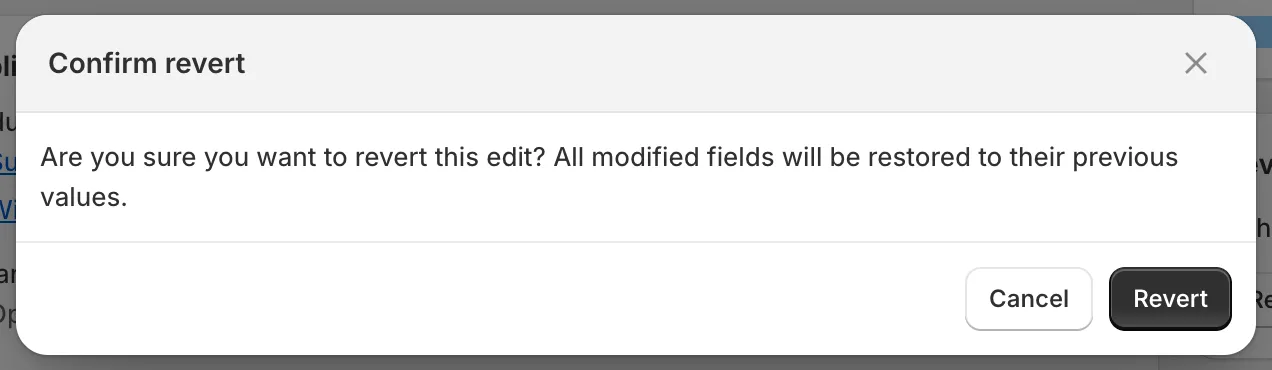
Confirm revert
Confirm with Revert. The Revert status card shows Revert in progress, then Completed with Products reverted.
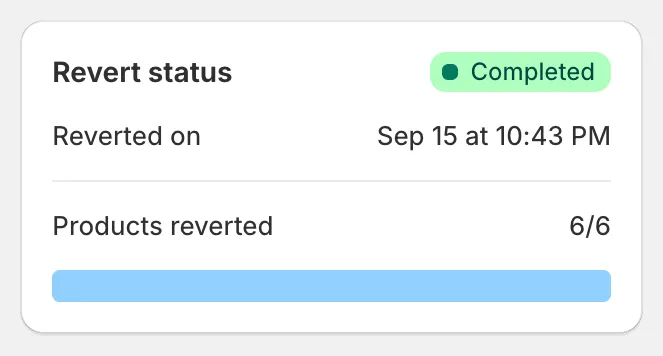
Revert completed
Scheduled revert
Section titled “Scheduled revert”When you create a task, tick Schedule the revert and pick a date and time at least 5 minutes after the start. See Schedule, revert and save.
After the task is saved you can still change your mind:
- Reschedule revert opens a dialog with a new Date and Time.
- Cancel revert schedule removes the scheduled revert. You can add one again later with Schedule in the Revert status card.
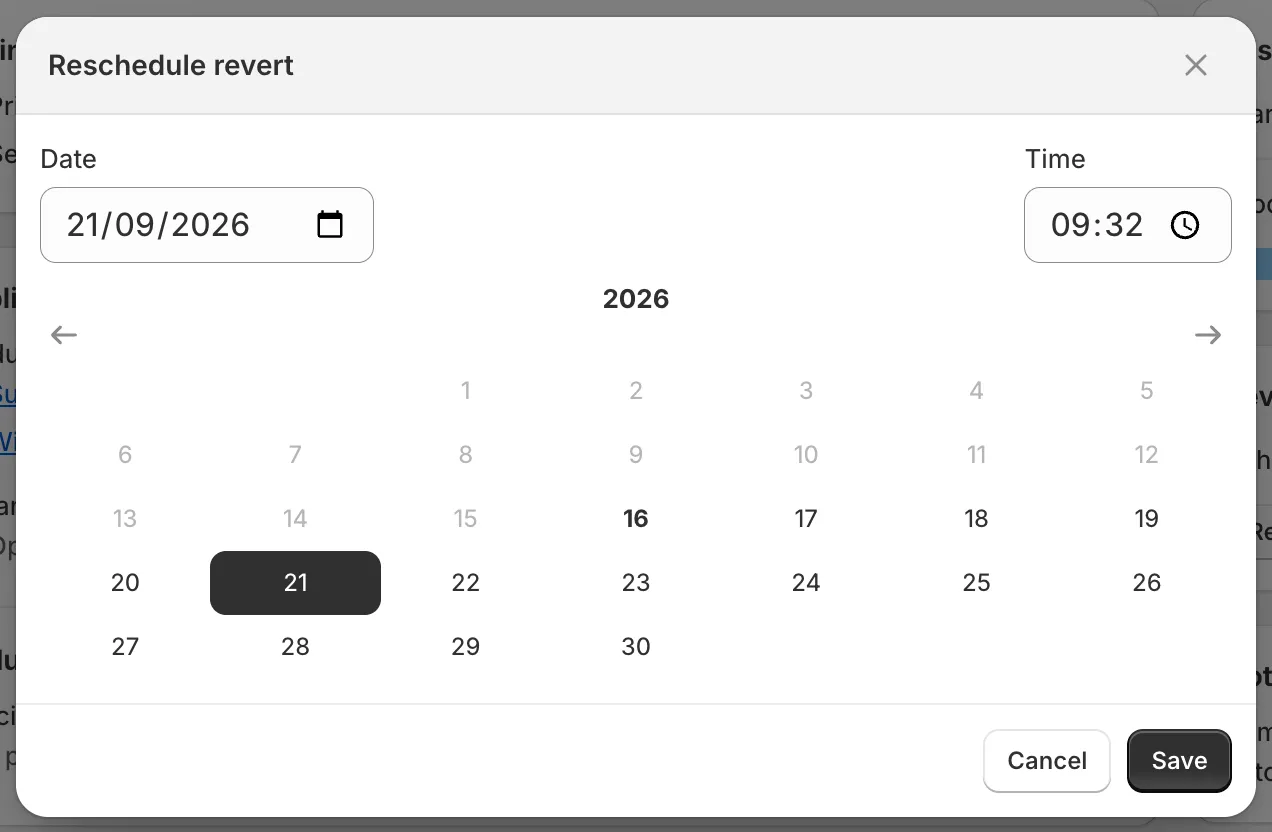
Reschedule revert
What revert does
Section titled “What revert does”- It restores the value each product or variant had when the task ran, for every field the task changed (for example price and compare-at price together).
- It writes those values even if someone changed the product manually after the task. Manual edits made in between are overwritten. See the FAQ Why do my manual edits keep reverting?.
- Products that were deleted in Shopify after the task cannot be reverted. The revert finishes as Revert partially completed and the error banner lists the products. See Task errors and warnings.
- Tags: tags the task added are removed and tags it removed are added back. Collections and sales channels are restored in the same way.
- Metafields that did not exist before the task are removed again.
What cannot be reverted
Section titled “What cannot be reverted”- Delete product, Delete variants by option value and Remove product options delete data permanently. These tasks have no revert.
- A task that has already been reverted cannot be reverted again. Duplicate it to run the change once more.