
Google Shopping fields
Bulk edit the Google Shopping metafields Shopify sends to the Google & YouTube channel.
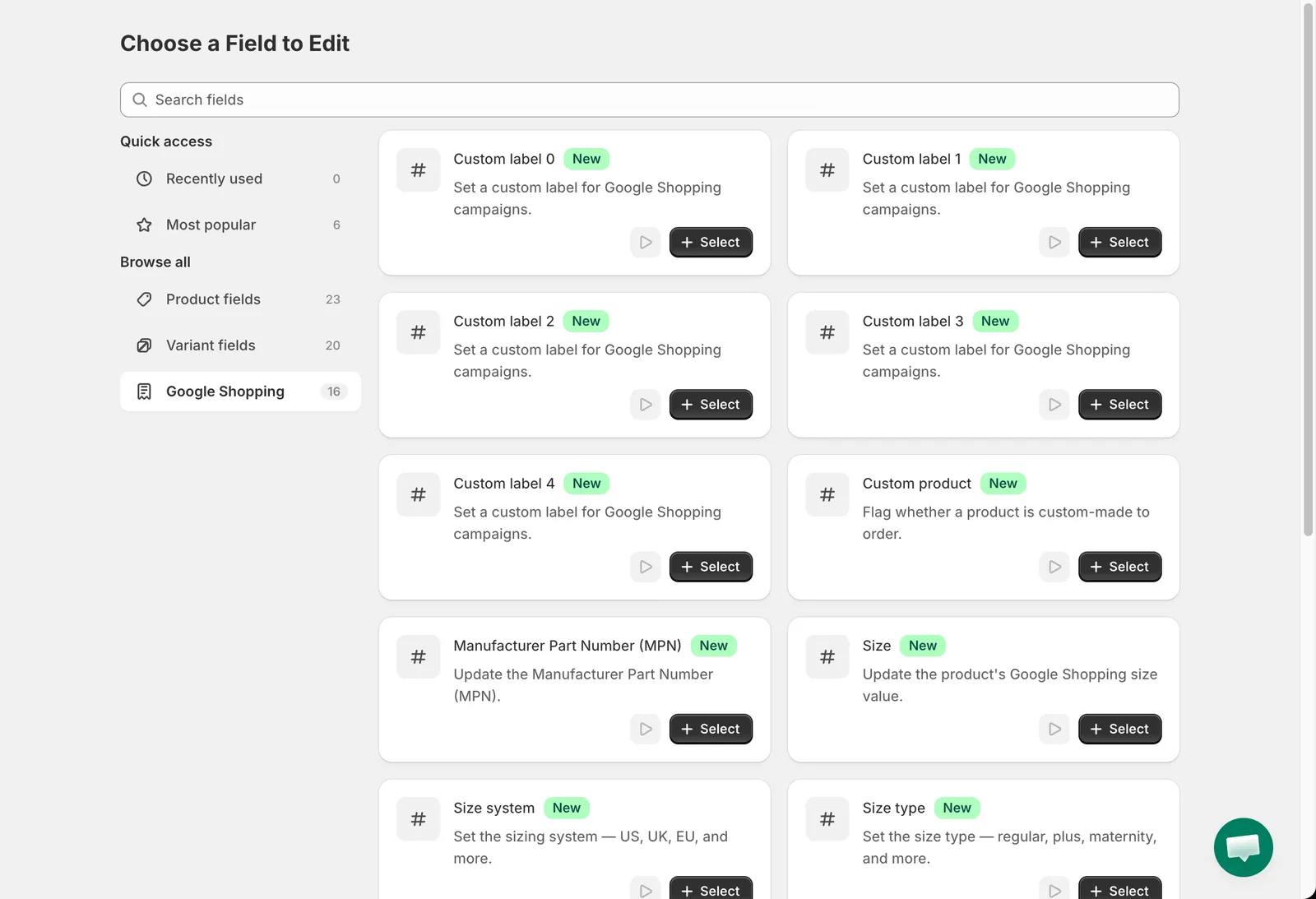
The Google Shopping group on the Choose a Field to Edit page edits the product metafields Shopify uses for the Google & YouTube channel.
Google Shopping fields
Text fields
Section titled “Text fields”Custom label 0 to Custom label 4, Manufacturer Part Number (MPN), Size, Color and Material use the standard text edit methods (see Title, handle, vendor, type and SEO) plus Set to null/blank, which removes the metafield. Dynamic variables are supported, for example Custom label 0 Replace entire text with {{ product.type }}.
Choice fields
Section titled “Choice fields”| Field | Values |
|---|---|
| Custom product | Mark as a custom product, Not a custom product |
| Size system | US, UK, EU, AU, DE, FR, JP, MEX, BR, CN, IT |
| Size type | Regular, Petite, Plus, Tall, Big, Maternity |
| Gender | Male, Female, Unisex |
| Age group | Newborn, Infant, Toddler, Kids, Adult |
| Condition | New, Refurbished, Used |
Category
Section titled “Category”Category in this group assigns a Google product category. Edit method: Set category. Browse or search the Google taxonomy in the picker.
- Custom labels are commonly used to group products in Google Ads campaigns, for example by margin or season.
- Reverting a task restores the previous metafield value, or removes the metafield if it did not exist before.