
Configure Tax exempt setting on Cart
Control whether the tax ID field is required, whether valid IDs auto-exempt tax, and whether checkout is blocked on invalid IDs.
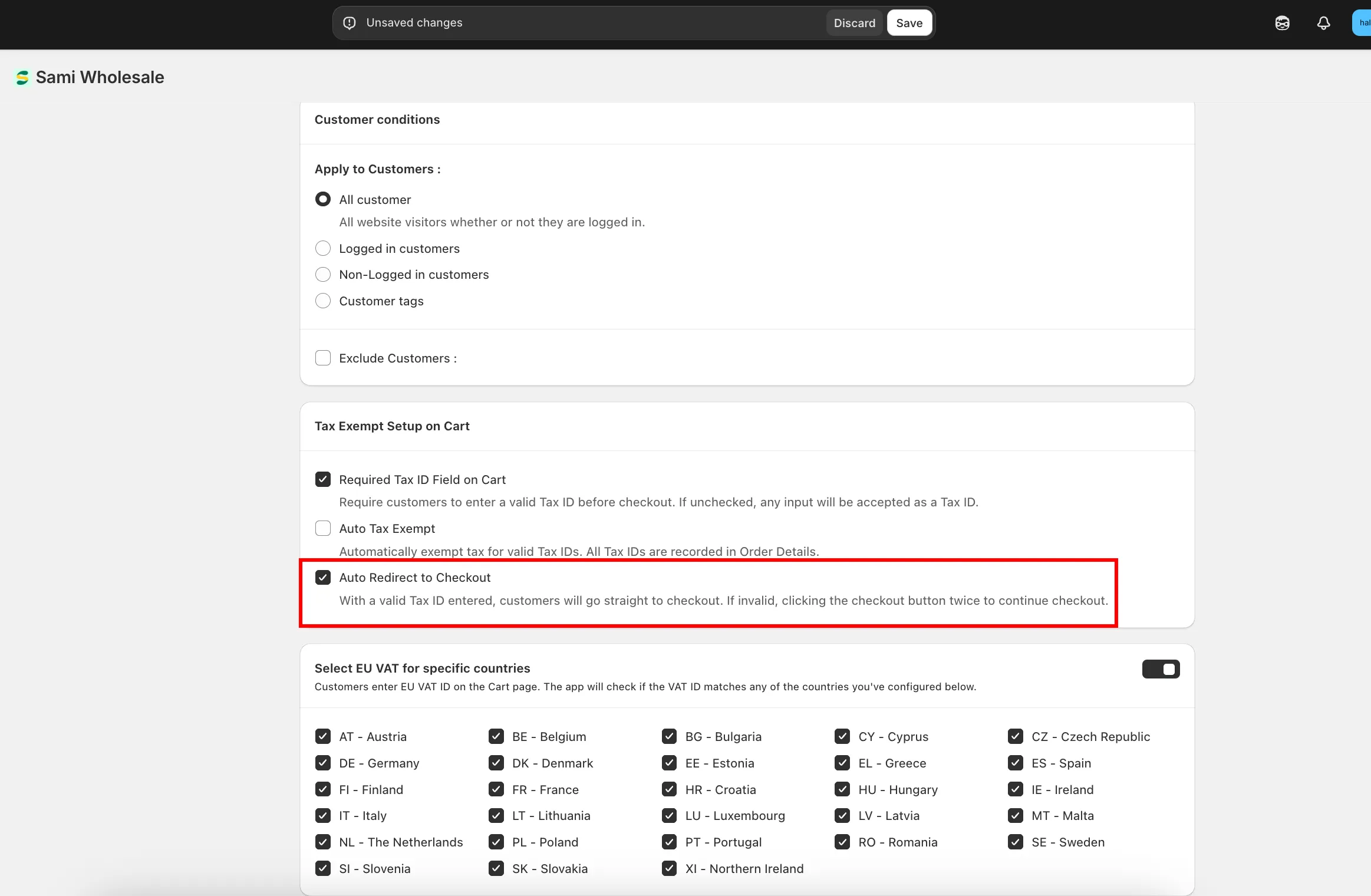
Tax Exempt Setup on Cart controls how the tax ID field behaves in your cart. There are 3 independent options — tick all of them, or only the ones you need.
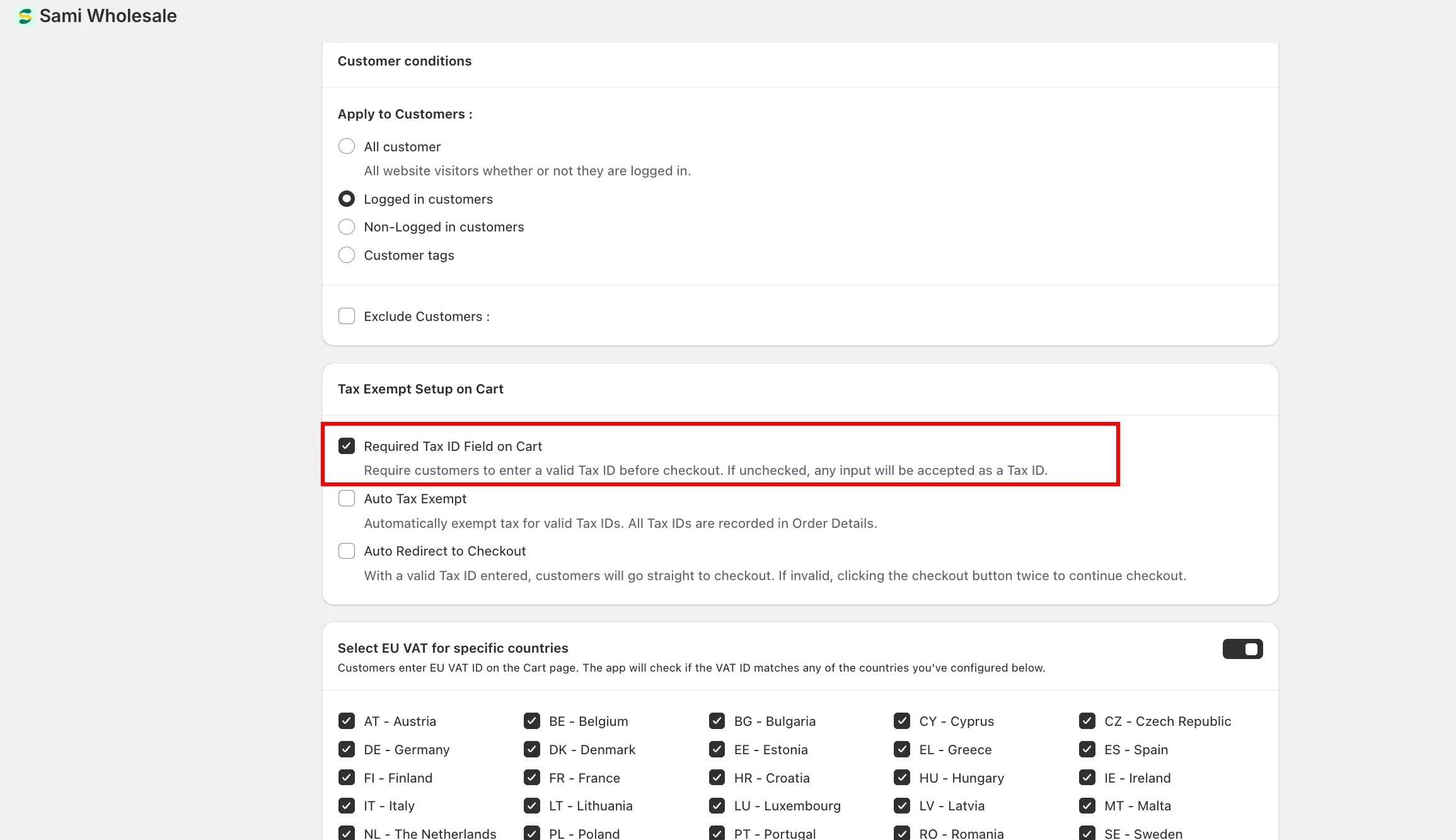
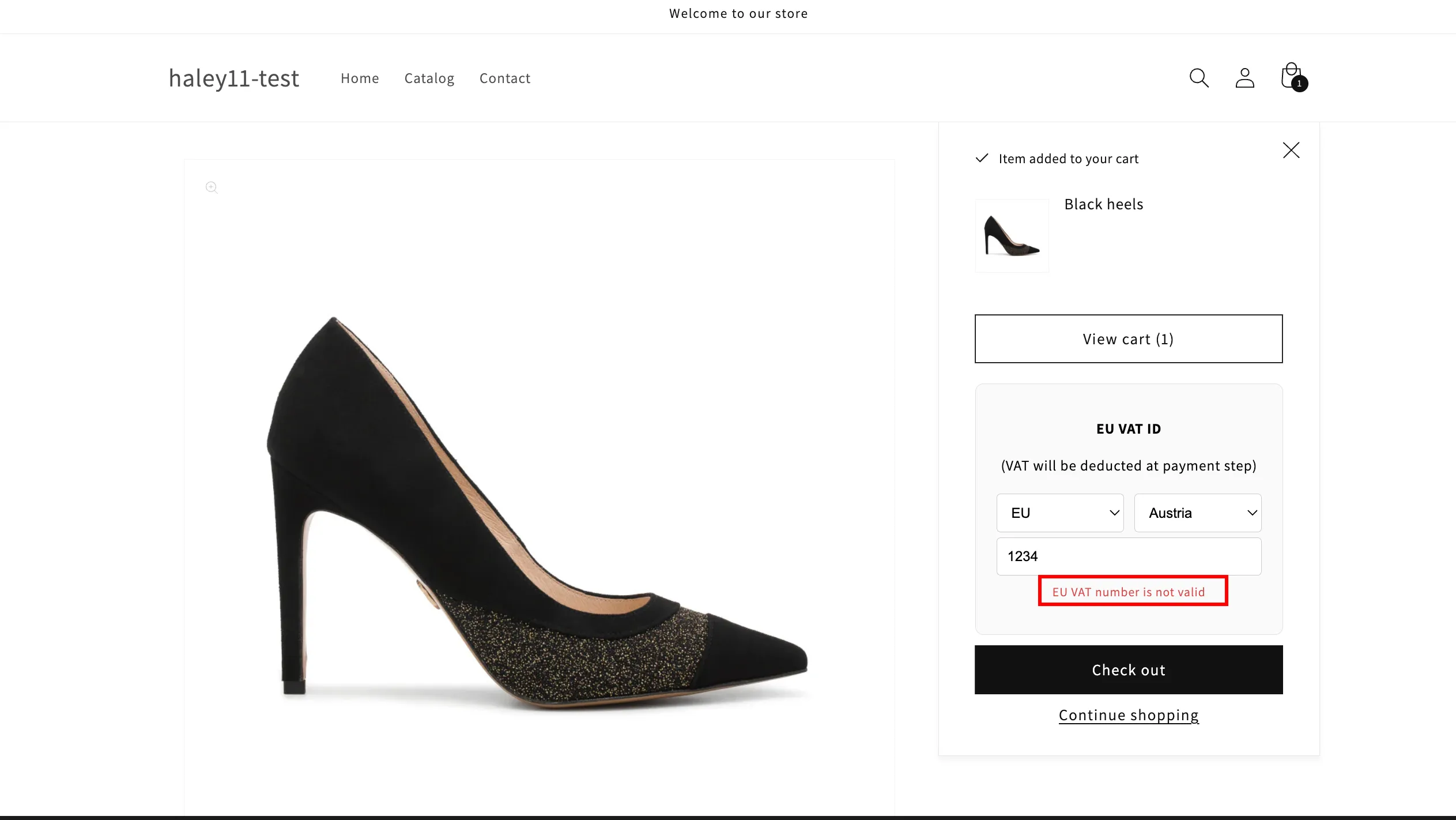
Required Tax ID Field on Cart
Section titled “Required Tax ID Field on Cart”When enabled, customers must enter a valid tax ID in the cart before they can check out.
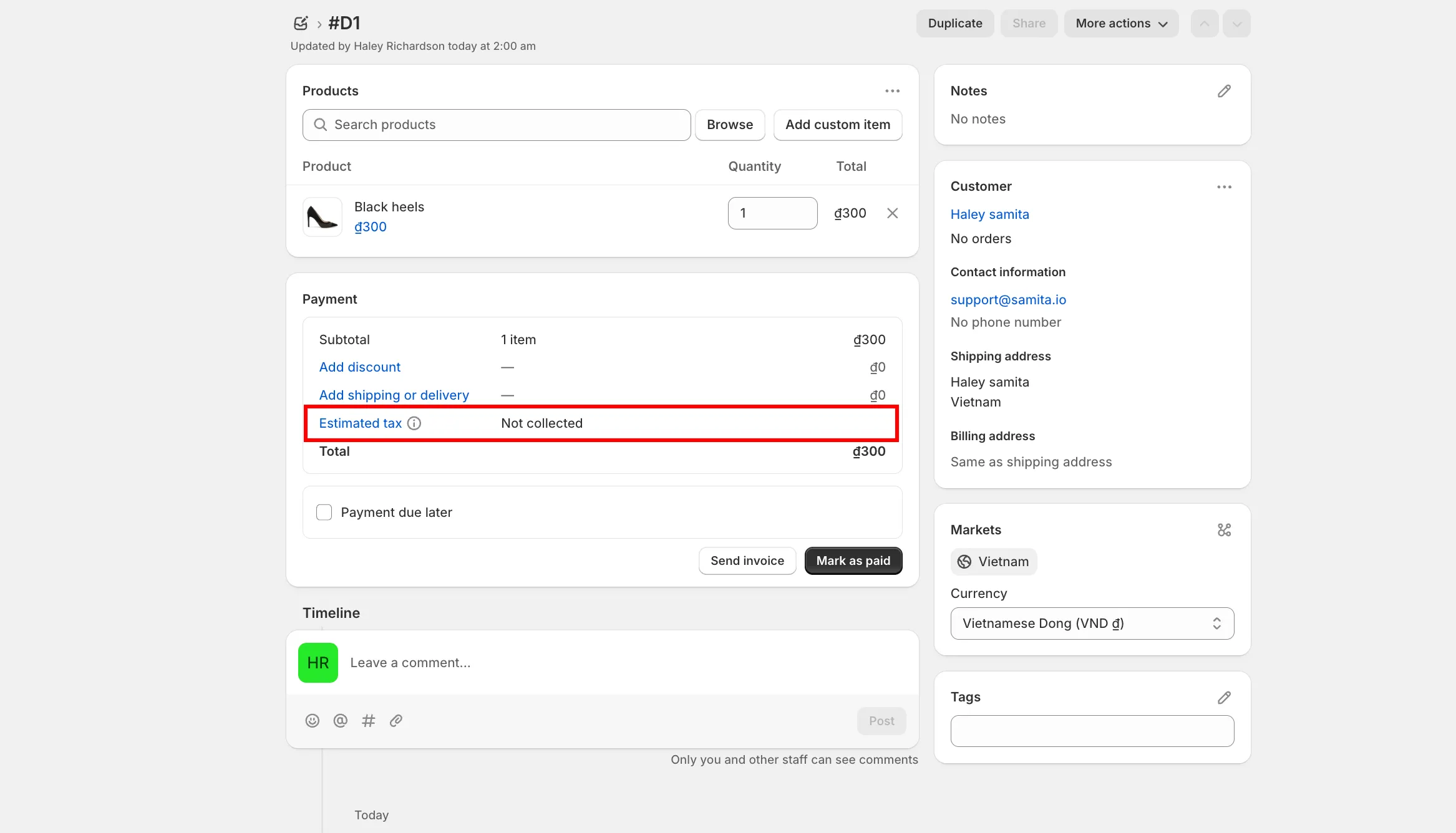
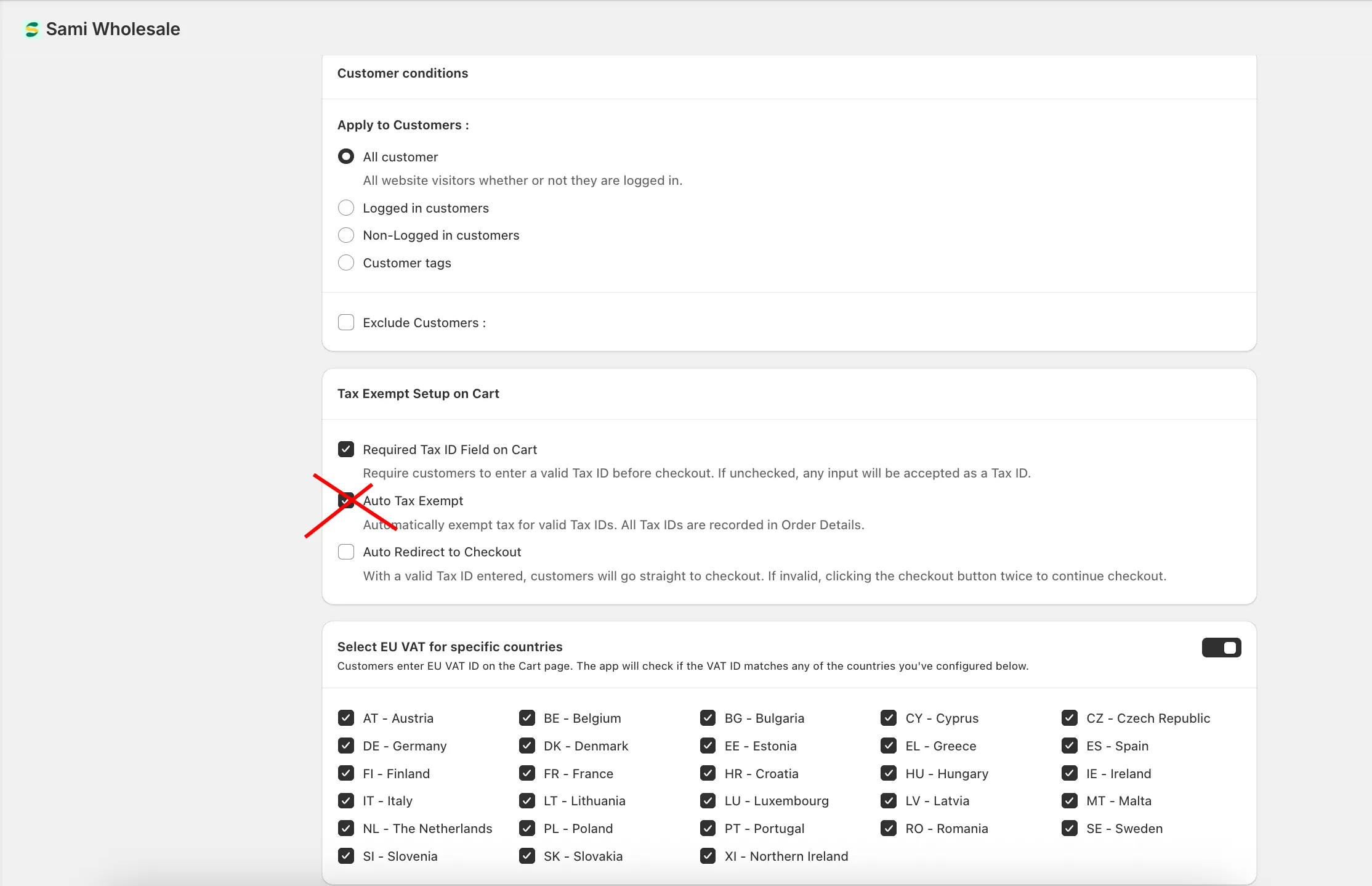
Auto Tax Exempt
Section titled “Auto Tax Exempt”When a customer’s tax ID is valid, their order is automatically tax-exempted. This setting does two things: adds the VAT ID to the order’s Order note, and exempts tax on orders with a valid ID.
Auto Redirect to Checkout
Section titled “Auto Redirect to Checkout”Even with an invalid tax ID, customers can still check out by clicking the checkout button a second time.
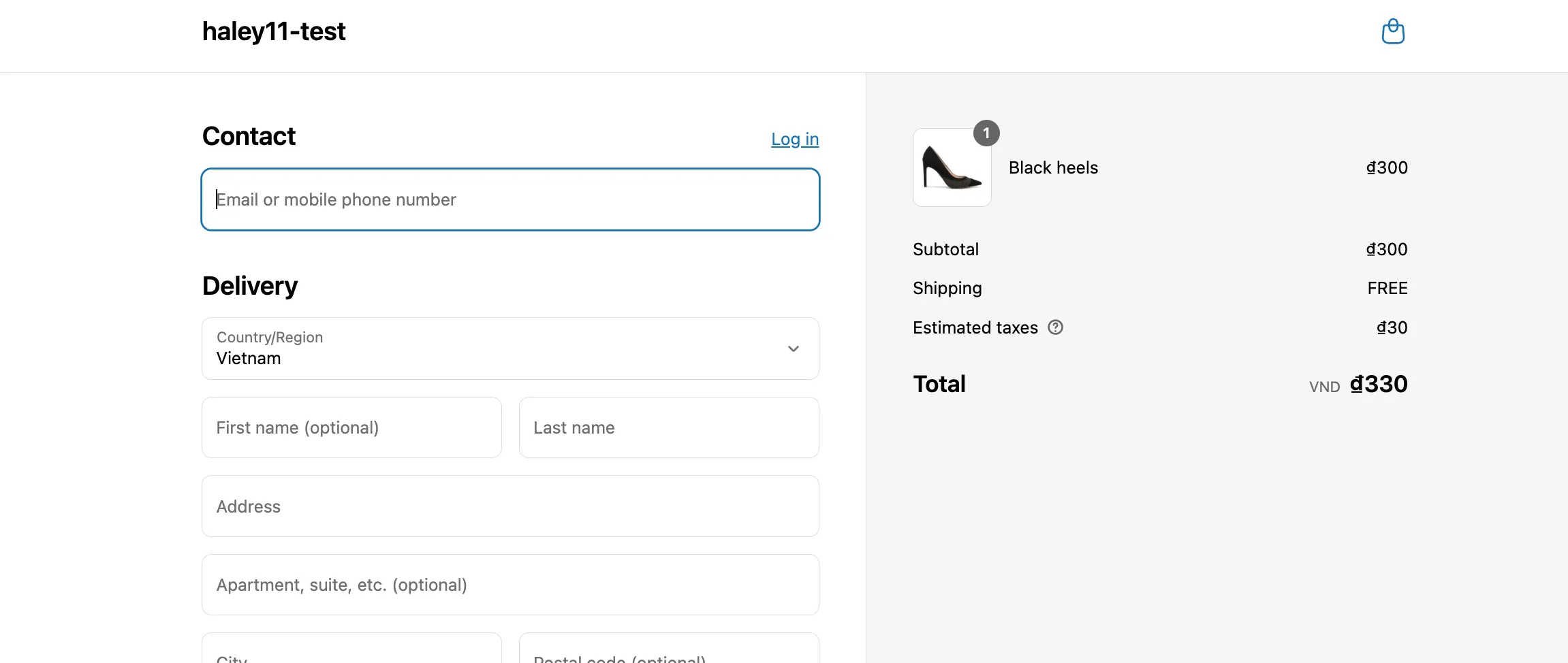
If the tax ID is valid, customers can check out immediately, with no second click needed.