
Cart countdown
Cart countdown overview
Put a timer on the cart so shoppers finish checking out instead of drifting away.
A cart countdown is a timer that appears in the shopper’s cart, counting down the minutes their items are “held”. It’s aimed squarely at cart abandonment: a shopper with items sitting in the cart and a clock running is more likely to finish than one with neither.
A new cart countdown reads:
🔥 Hurry up! Your cart will be lost in {timer} !!
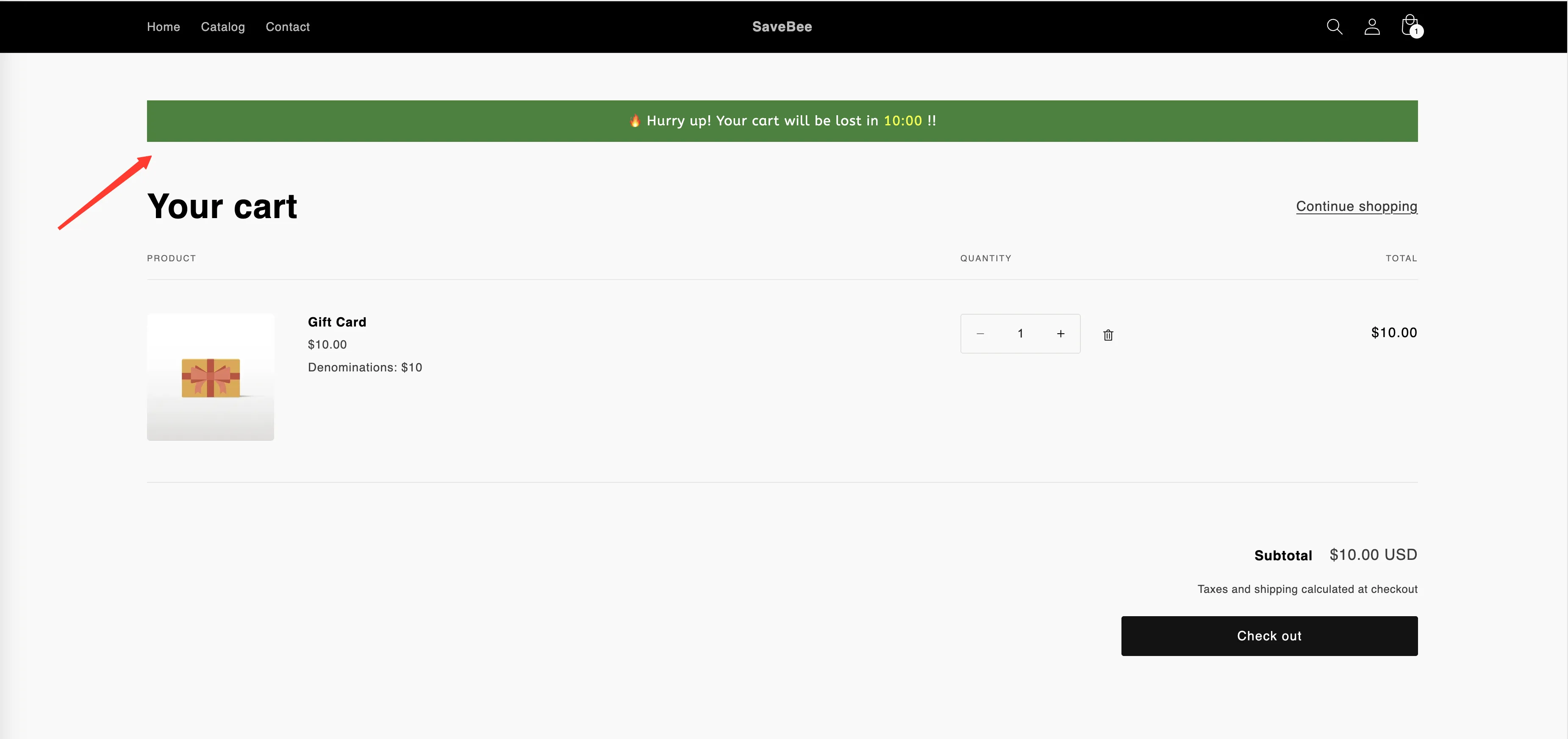
A cart countdown at the top of the cart.
What makes it different
Section titled “What makes it different”| Cart countdown | The other three types | |
|---|---|---|
| Where it shows | Cart page and cart drawer, automatically | Product pages, or anywhere via shortcode |
| Timing | A duration in minutes, per shopper | A date, a per-visitor window, or inventory |
| Appears when | The cart has at least one item | Whenever conditions match |
| Builder tabs | Settings · Display | Timers and delivery dates also get Design |
| At zero | Runs an action you choose | Stays, hides, or repeats |
It places itself
Section titled “It places itself”You don’t tick Product page or paste a shortcode for a cart countdown. When the shopper’s cart has items in it, the app puts the timer at the top of the cart form — on the cart page and in the cart drawer, if your theme has one.
Because of that, the Display tab for a cart countdown doesn’t offer page placement or device targeting. What it offers instead is the Action after time expired setting — see When the cart timer expires.