
Pricing Plans & Revenue Tracking
How your plan's revenue limit is calculated, and what happens as your store approaches or reaches it.
Each of our pricing plans includes a revenue limit. This page explains how the app calculates that revenue, and what happens as your store approaches or reaches the limit.
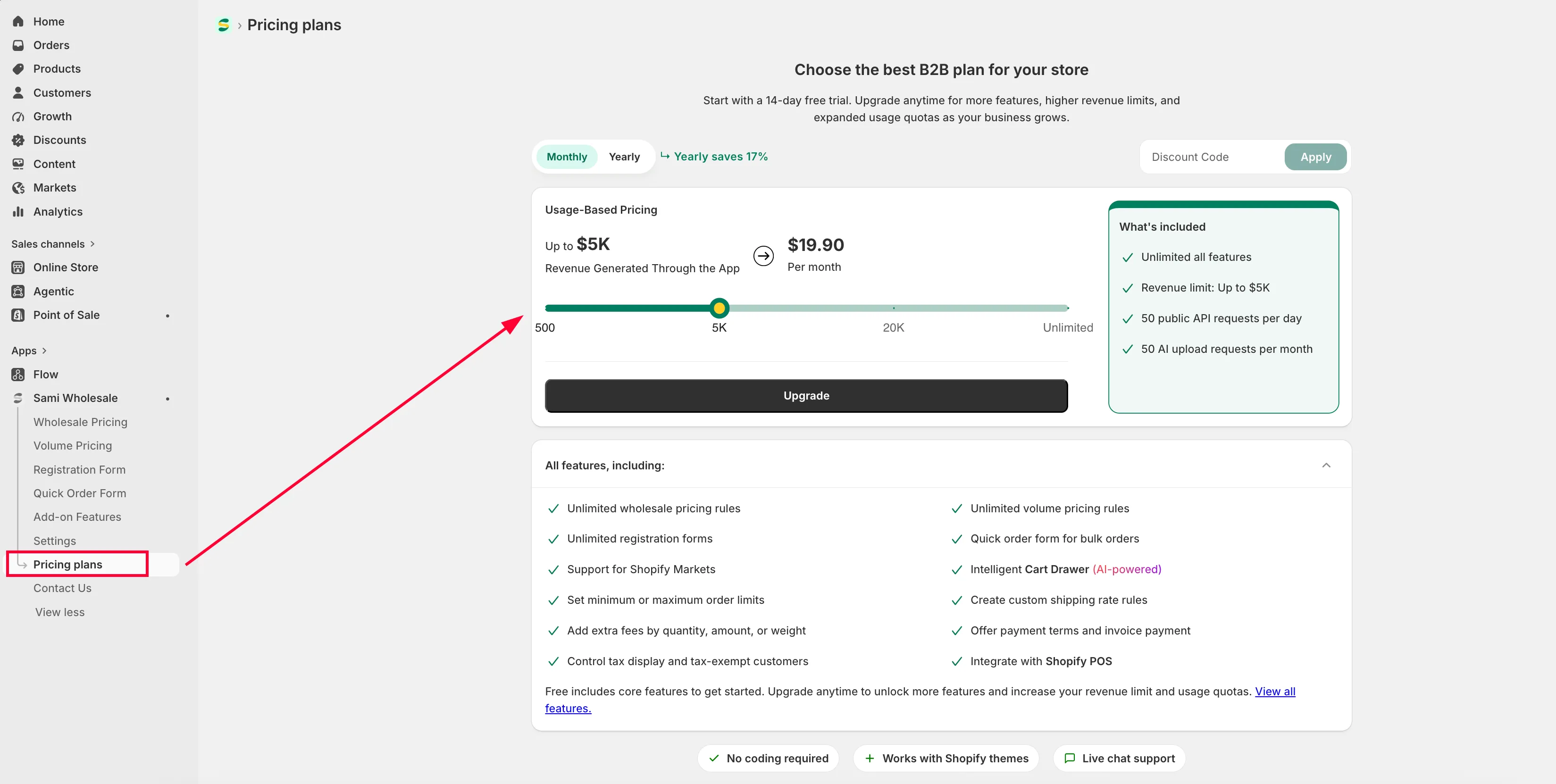
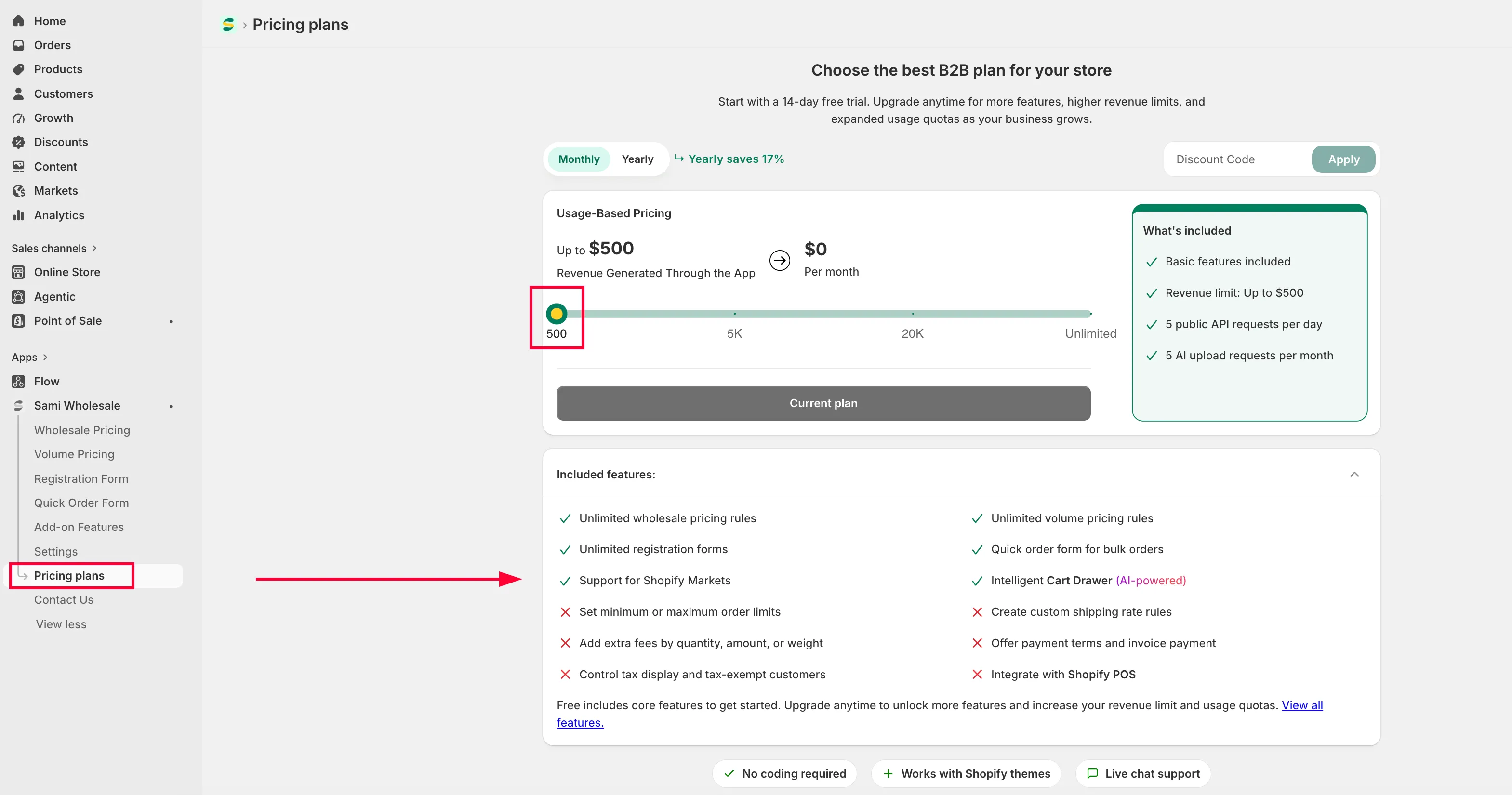
How does the app calculate revenue?
Section titled “How does the app calculate revenue?”The app only counts revenue generated through app-powered features. Revenue from orders that don’t use the app’s functionality isn’t included.
Online Store orders
Section titled “Online Store orders”For orders placed on your online store, the app counts revenue from:
- Products with Wholesale Pricing applied
- Products with Volume Pricing applied
- Extra Fee products
- Custom Shipping Rates
- Products purchased via Quick Order Form, Collection Quick Buy, or Variant Table
Only the portion of the order that uses these app features counts toward your revenue.
Payment Terms & Invoice Payment draft orders
Section titled “Payment Terms & Invoice Payment draft orders”For draft orders created through Payment Terms or Invoice Payment:
- Revenue is not counted when the draft order is created.
- Revenue is counted only after the draft order is paid and converted into a Shopify order.
- The counted revenue is the total order value, including any custom shipping rates applied.
POS orders
Section titled “POS orders”For orders created through Shopify POS, the app counts revenue from:
- Products with Wholesale Pricing applied
- Products with Volume Pricing applied
- Extra Fee products
Manual draft orders
Section titled “Manual draft orders”For orders created via the Manual Draft Order feature, the app counts revenue from:
- Products with Wholesale Pricing applied
- Products with Volume Pricing applied
- Extra Fee products
Frequently asked questions
Section titled “Frequently asked questions”What happens when my store approaches the revenue limit?
The app automatically emails you as your store approaches the limit — at 60%, 80%, 90%, and 100% of the limit. These notifications give you time to upgrade before any feature restrictions apply.
What happens when I reach 100% of the revenue limit?
If you reach 100% of your revenue limit without upgrading, the app gives you a 3-day grace period. During this time, all features keep working normally, and the app keeps sending reminder emails — so you have time to review and upgrade without immediate interruption.
What happens after the 3-day grace period ends?
If you haven’t upgraded by then, these features are temporarily locked until you do: Wholesale Pricing, Volume Pricing, Shipping Rates, Extra Fees, Quick Order Form, Manual Draft Orders, and POS Integration. All other app settings and data stay intact.