
Edit and translate content for some of the app’s features
Edit or translate the storefront text used across the app's features, like the volume pricing table, cart drawer, and quick order form.
Some of the text the app shows on your storefront can be edited or translated into other languages.
Steps to manage
Section titled “Steps to manage”-
Open Translations settings
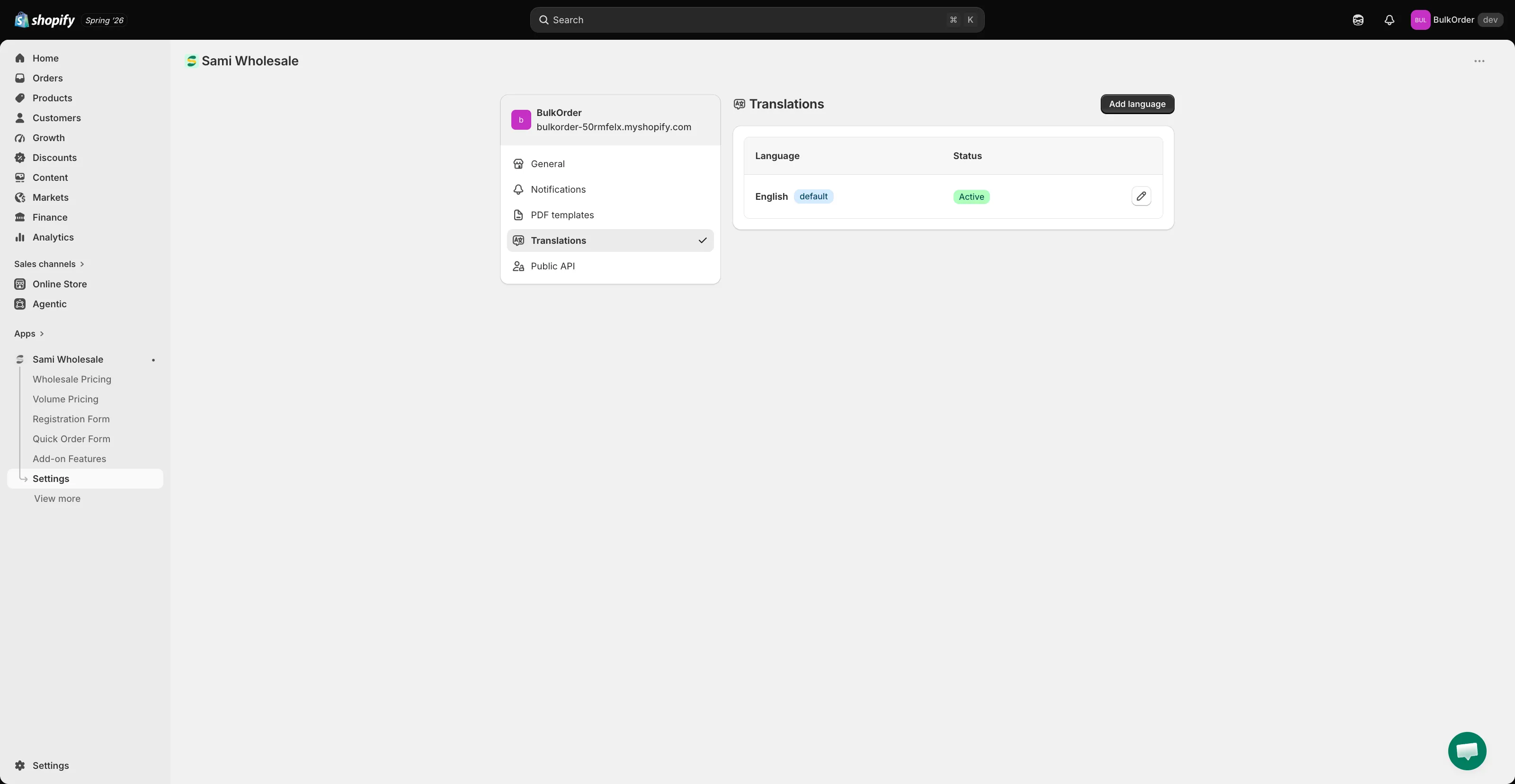
Section titled “Open Translations settings”From the app, click Settings, then click Translations. Click Add language if you want to translate into another language, or click the pencil icon next to a language to edit it.
-
Choose what to edit
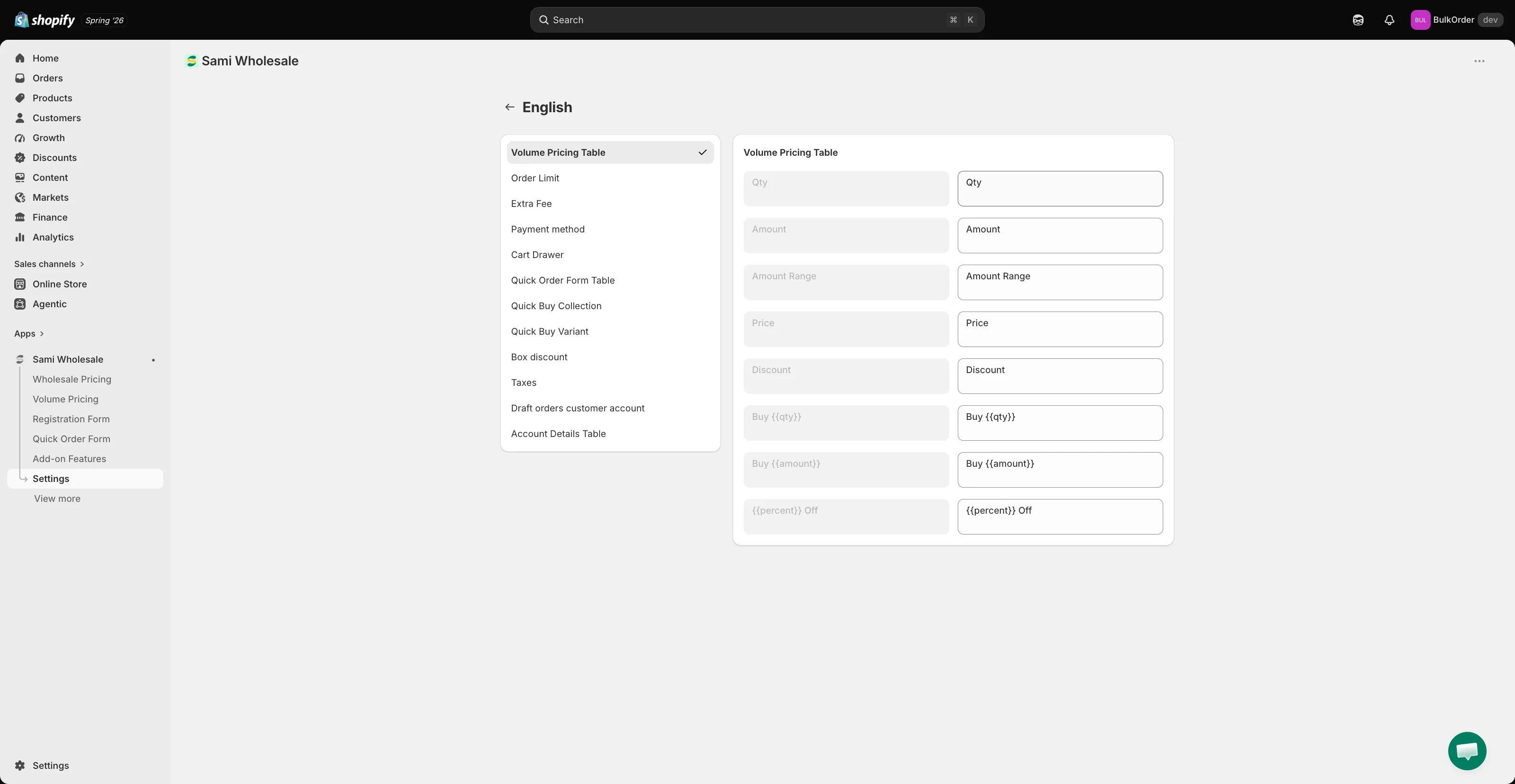
Section titled “Choose what to edit”Pick the part you want to edit text for from the list — for example Volume Pricing Table, Order Limit, Extra Fee, Payment method, Cart Drawer, Quick Order Form Table, Quick Buy Collection, Quick Buy Variant, Box discount, or Taxes.
-
Enter your text
Section titled “Enter your text”Enter your text in the field next to each default text label.
-
Save and check your storefront
Section titled “Save and check your storefront”Click Save, then check the result on your storefront.
Need support?
Section titled “Need support?”If you do encounter any difficulty while proceeding these steps, don’t show any hesitation to contact us promptly via the email address support@samita.io.