
Upload file to Create Cart
Let logged-in customers build a cart instantly by uploading a file of products and quantities, instead of adding items one by one.
Upload File to Create Cart lets customers generate a shopping cart by uploading a file with product information, instead of adding items manually — useful for bulk reorders.
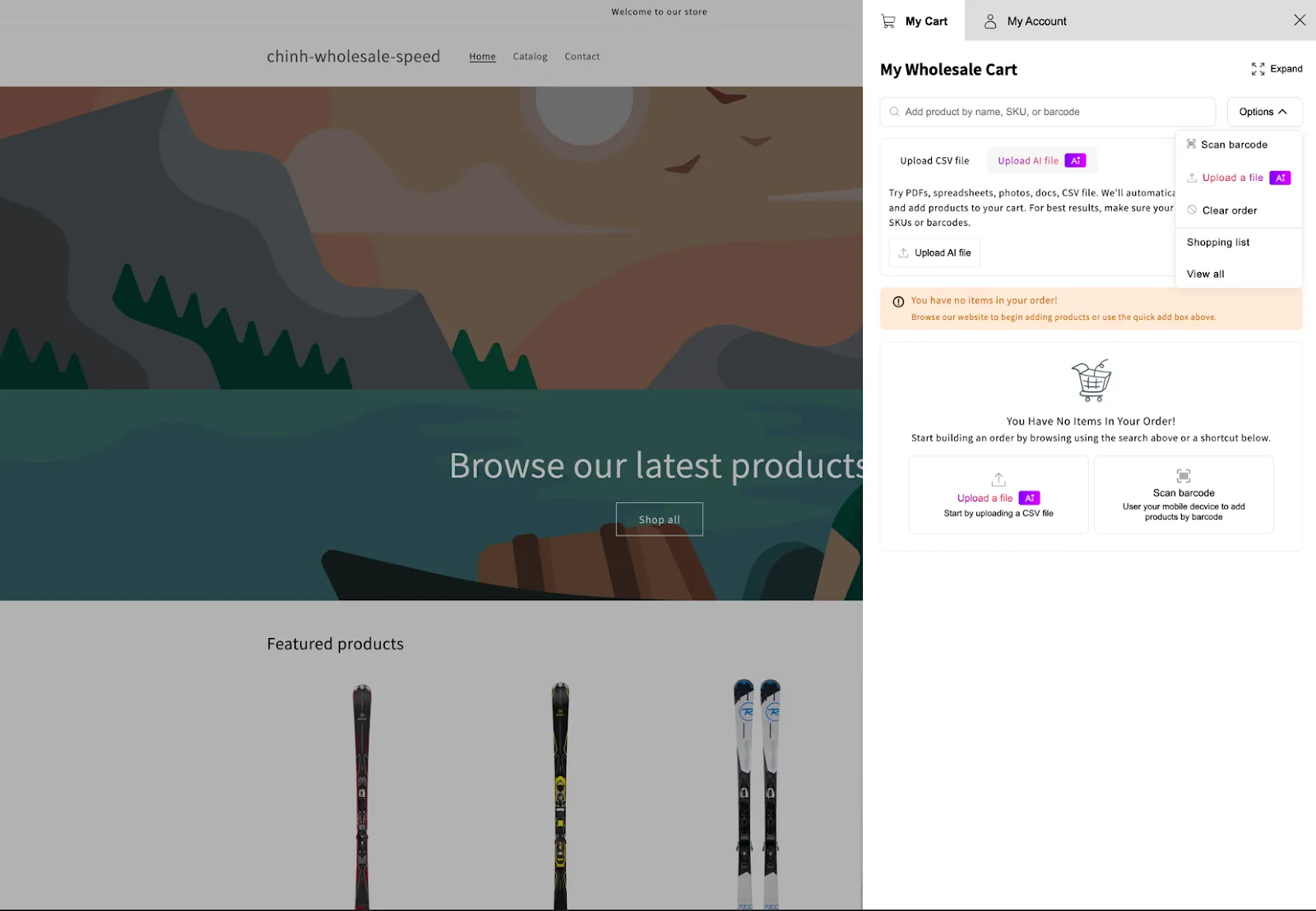
File requirements
Section titled “File requirements”The uploaded file must include:
- SKU or Barcode
- Quantity
Both fields are required to correctly identify products and build the cart.
Supported file formats
Section titled “Supported file formats”- Documents:
.csv,.xlsx,.pdf,.docx,.txt - Images:
.png,.jpg,.jpeg,.webp,.gif
File limitations
Section titled “File limitations”- Maximum file size: 2MB
- Maximum image resolution: 1800 x 2400 pixels
AI processing and token usage
This feature uses a third-party AI service to read and extract product data from uploaded files, so usage is limited by that provider’s token system.
Token limit: the current limit is 2,000,000 tokens. If your files are relatively small, contact us — we may be able to increase this limit for you.
How usage is calculated: token usage isn’t fixed — it depends on file size, file content, and how complex the data is. Larger, more data-heavy files consume more tokens. The app keeps a history of uploaded files so you can track total usage over time.
For example:
- An image at 1024 x 1024 resolution uses roughly 1,024 input tokens.
- An image at 1800 x 2400 resolution uses roughly 1,452 input tokens.